


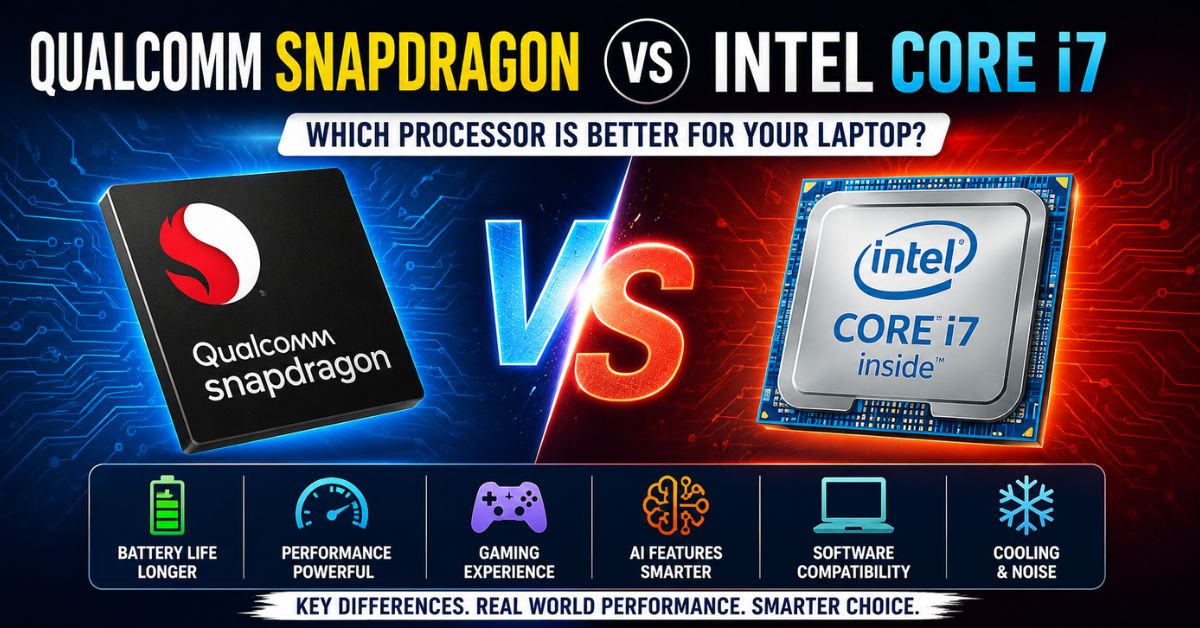
Qualcomm Snapdragon vs Intel Core i7: Key Takeaways
- Intel Core i7 remains the stronger choice for gaming, professional software, and demanding workloads.
- Qualcomm Snapdragon processors offer significantly better battery life and power efficiency.
- Software compatibility is generally broader on Intel-powered Windows laptops.
- Snapdragon laptops excel in AI-powered features, portability, and all-day productivity.
- The better processor depends on whether you prioritize performance or mobility.
If you are shopping for a new laptop, one of the most important decisions is choosing the right processor. In recent years, Qualcomm Snapdragon processors have emerged as serious competitors to Intel’s long-established Core i7 lineup. This has led many buyers to ask a simple question: Qualcomm Snapdragon or Intel Core i7, which is better?
The answer depends largely on how you plan to use your device. Intel Core i7 processors are known for delivering strong performance, gaming capabilities, and excellent software compatibility. Snapdragon processors focus on battery efficiency, portability, AI capabilities, and modern computing experiences. Understanding these differences can help you make a smarter purchase decision.
Users researching Snapdragon-based processors may also find value in learning about Qualcomm Snapdragon C, which represents Qualcomm’s broader effort to bring ARM-based computing experiences to modern devices.
Understanding Qualcomm Snapdragon and Intel Core i7
The biggest difference between these processors lies in their architecture.
Intel Core i7 processors are built on the x86 architecture that has powered Windows PCs for decades. This platform has extensive support from software developers and hardware manufacturers, making it highly compatible with most applications and accessories.
Qualcomm Snapdragon processors use ARM architecture, which was originally developed for smartphones and tablets. Qualcomm has adapted this technology for Windows laptops, focusing on efficiency, battery life, and AI performance.
Because of these design differences, Intel and Snapdragon laptops often deliver very different user experiences.
Qualcomm Snapdragon vs Intel Core i7: Comparison Table
| Feature | Qualcomm Snapdragon | Intel Core i7 |
|---|---|---|
| Architecture | ARM-based | x86-based |
| Performance | Excellent for daily tasks and productivity | Excellent for demanding workloads |
| Battery Life | Typically 15-20+ hours | Usually 4-10 hours depending on workload |
| Gaming | Limited support for demanding PC games | Strong gaming support and compatibility |
| Software Compatibility | Good but some limitations remain | Excellent compatibility |
| AI Features | Advanced built-in NPU capabilities | Strong AI support on newer models |
| Heat and Noise | Cooler and quieter operation | Requires more active cooling |
| Best For | Students, travelers, office users | Gamers, creators, professionals |
Performance Comparison
Performance remains one of the most important factors when comparing processors.
Intel Core i7 processors are designed for demanding workloads. They perform exceptionally well in video editing, software development, engineering applications, 3D rendering, and professional content creation. High-performance Intel laptops can also sustain heavy workloads for longer periods thanks to advanced cooling systems.
Modern Snapdragon processors such as the Snapdragon X Elite and Snapdragon X Plus have significantly improved performance. They provide a fast and responsive experience for web browsing, office work, media consumption, multitasking, and remote work applications.
However, when dealing with intensive workloads and specialized professional software, Intel Core i7 generally maintains a performance advantage.
Battery Life Comparison
Battery life is one area where Snapdragon processors consistently outperform Intel Core i7 chips.
ARM architecture was designed with efficiency in mind. As a result, Snapdragon laptops consume less power while delivering strong performance for everyday tasks. Many Snapdragon-powered laptops can comfortably last an entire workday on a single charge.
Intel has improved efficiency significantly over the years, but Core i7 systems still tend to consume more power, especially under heavy workloads.
For users who frequently travel, attend classes, or work remotely without access to charging points, Snapdragon’s battery advantage can be a major benefit.
Software Compatibility Comparison
Software compatibility remains one of Intel’s strongest advantages.
Because Windows has traditionally been built around x86 processors, nearly every Windows application runs natively on Intel Core i7 systems. Users rarely encounter compatibility concerns with applications, hardware accessories, drivers, or plugins.
Snapdragon-powered Windows laptops have improved significantly thanks to Microsoft’s ARM optimization efforts. Popular applications such as Microsoft Office, Adobe software, Chrome, Edge, Zoom, and many productivity tools now run efficiently.
However, some specialized software, enterprise applications, legacy programs, and hardware drivers may still encounter compatibility issues. For users who depend on niche software, Intel remains the safer choice.
Readers comparing Intel processors across different segments may also find our detailed guide on Snapdragon vs i5 useful when evaluating alternative laptop options.
Gaming Comparison
Gaming is an area where Intel Core i7 continues to dominate.
Most modern PC games are developed and optimized for x86-based systems. Intel-powered gaming laptops are also commonly paired with powerful dedicated graphics cards from Nvidia and AMD, allowing them to handle demanding AAA titles with ease.
Snapdragon laptops can run some games, but gaming is not their primary focus. While compatibility has improved, certain games may still face performance limitations or compatibility challenges due to ARM architecture.
For casual gaming, Snapdragon may be sufficient. For serious gamers, Intel Core i7 remains the better option.
AI Features Comparison
Artificial intelligence has become a major focus for modern laptops.
Qualcomm has invested heavily in AI capabilities through dedicated Neural Processing Units (NPUs). These specialized components handle AI workloads efficiently while reducing power consumption.
Features such as real-time language translation, AI-assisted productivity tools, video enhancements, and on-device AI processing benefit greatly from Snapdragon’s AI hardware.
Intel has also introduced AI-focused technologies in newer processors. However, Qualcomm’s current strategy places a particularly strong emphasis on AI performance and efficiency.
As AI-powered applications continue to expand, this could become an increasingly important factor for future buyers.
Heat and Noise Levels
Another advantage of Snapdragon processors is their thermal efficiency.
Many Snapdragon-powered laptops operate with very little heat generation and minimal fan noise. Some devices can even function without traditional cooling systems, resulting in thinner and lighter designs.
Intel Core i7 processors generate more heat under heavy workloads and typically require active cooling solutions. While this helps maintain performance, it can lead to increased fan noise during intensive tasks.
Users who value silent operation and cooler devices may prefer Snapdragon-powered laptops.
Which Processor Is Better for Students?
Students often prioritize portability, battery life, and affordability.
For note-taking, online classes, research, document editing, presentations, and media consumption, Snapdragon processors provide more than enough performance while delivering exceptional battery life.
However, students studying engineering, architecture, computer science, animation, or media production may need software that performs better on Intel systems.
For general academic use, Snapdragon is an excellent choice. For technical programs requiring specialized software, Intel Core i7 is often the safer investment.
Which Processor Is Better for Professionals?
Business users, consultants, writers, sales teams, and remote workers can benefit greatly from Snapdragon’s efficiency and battery life. These users often spend most of their time using productivity software, web applications, and communication tools.
Professionals involved in video editing, software development, engineering, architecture, scientific research, and creative production typically require stronger performance and broader compatibility. In these scenarios, Intel Core i7 remains the preferred choice.
Final Verdict
There is no universal winner in the Qualcomm Snapdragon vs Intel Core i7 debate because both processors are designed with different priorities.
Intel Core i7 remains the better choice for gaming, professional software, demanding workloads, and maximum compatibility. It continues to serve power users, creators, developers, and gamers exceptionally well.
Qualcomm Snapdragon processors excel in battery life, portability, AI capabilities, efficiency, and modern productivity experiences. They are particularly attractive for students, business users, travelers, and everyday consumers.
In 2026, Snapdragon has become a legitimate alternative to traditional Intel-powered laptops. However, if your work depends on performance-intensive applications or gaming, Intel Core i7 remains the stronger option. If your priority is mobility, battery life, and all-day productivity, Snapdragon may provide the better overall experience.